
One workspace
Site, tickets, forms, email, and check-in stay connected — no copy-paste between tools.
Event operating system
Websites, tickets, guests, and check-in in one connected workspace.
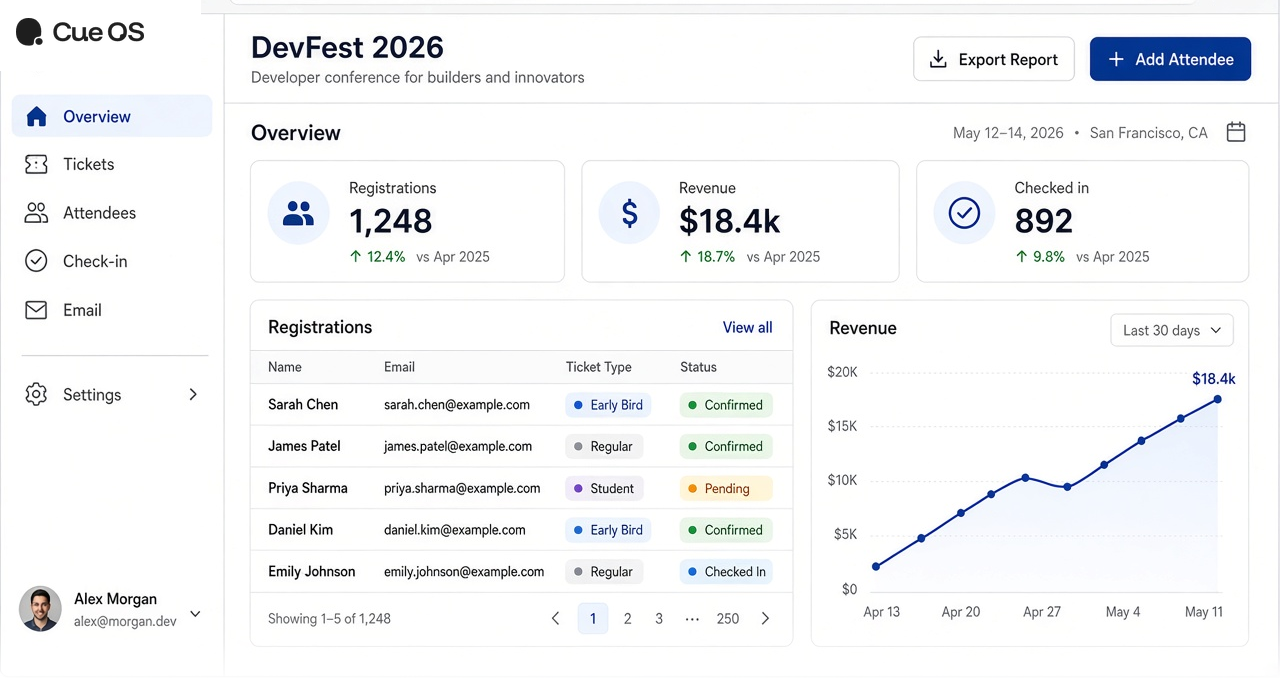
WebsitesTicketingPaymentsFormsCheck-inEmailAttendee CRM
Platform
Plan, sell, and run check-in from the same workspace — public page to door scan, without jumping between tools.

Agenda, speakers, and venue on a branded public page.
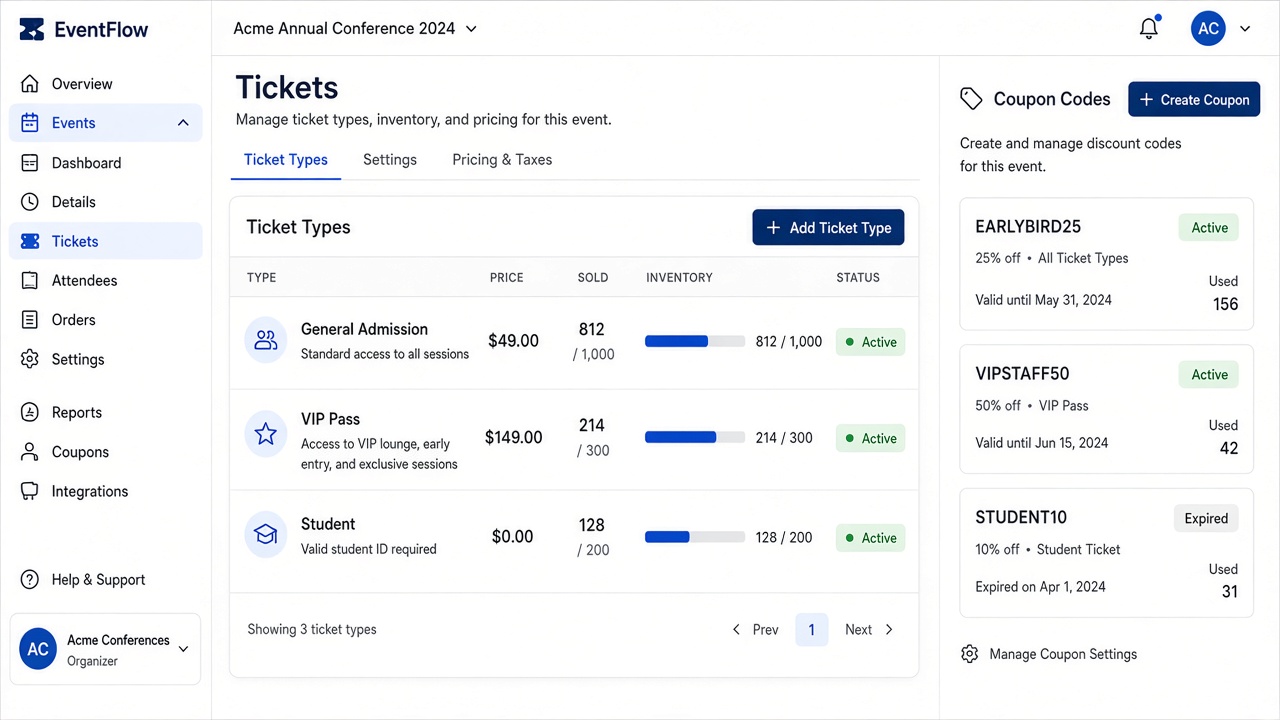
Tickets, waitlists, and attendee records stay connected.
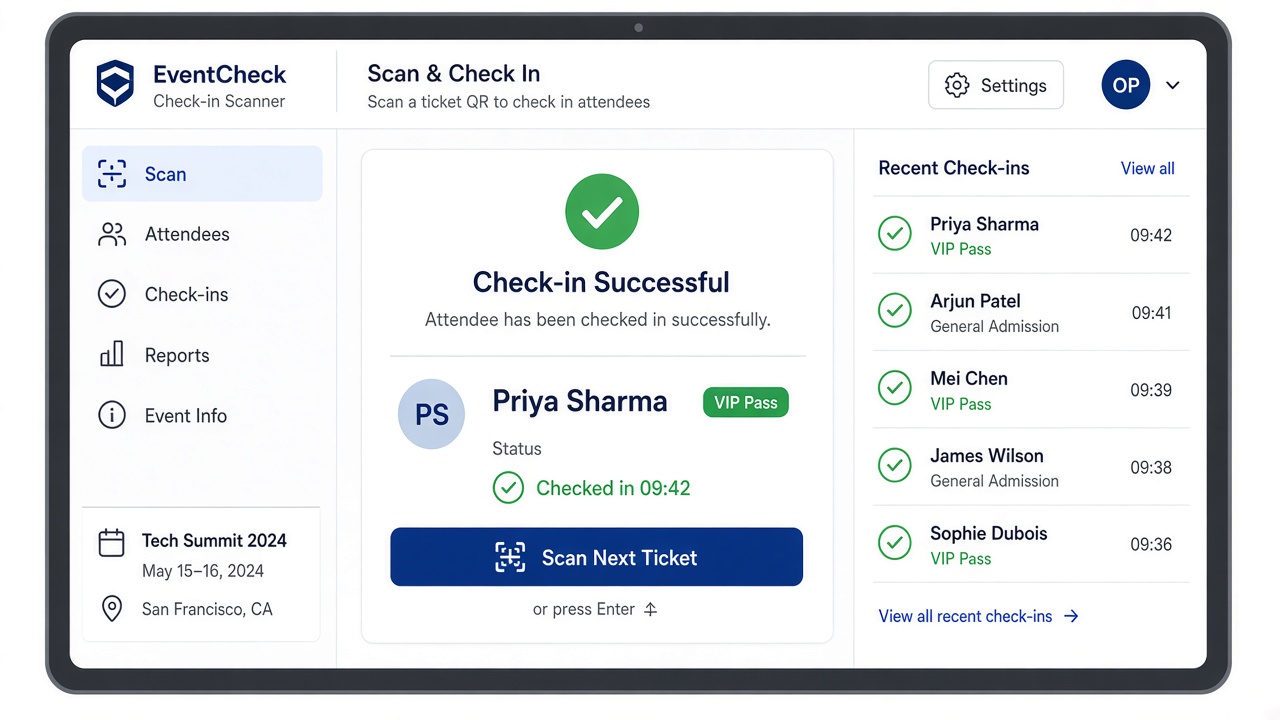
Door scan, add-ons, and live status from one workspace.
How it works
Set up once, share a link, and keep registration through check-in in the same product.
Add name, dates, venue, and branding. Choose a template and enable the sections you need.
Share a Cue OS subdomain or connect your custom domain. Guests get agenda, speakers, and registration in one place.
Offer free or paid tiers, coupons, and registration forms. Confirmations go out from your email library.
Scan QR codes at the door, redeem add-ons at checkpoints, and watch live attendance from your phone or laptop.
Why Cue OS
Bring every part of an event into one connected system — fewer handoffs, clearer day-of.
Site, tickets, forms, email, and check-in stay connected — no copy-paste between tools.
Built for meetups and conferences: waitlists, team tickets, coupons, and floor checkpoints.
Launch your first events on Starter, then upgrade when you need paid tickets or a custom domain.
Match colors and content on your public page, then grow into your own domain when you are ready.
Use cases
Launch free or low-cost events quickly with a clean public page, simple registration, and QR check-in your volunteers can run.
Paid tickets, speaker programs, sponsors, coupons, and day-of ops without stitching five products together.
Team tickets, waitlists, follow-up forms, and confirmation emails so every session stays organized from invite to attendance.
Pricing
Free for free tickets. Pay-as-you-go when tickets are paid — no setup fees, plans per event.
FAQ
Quick answers about sites, tickets, check-in, and getting started.
Cue OS is an end-to-end platform to create a branded event website, sell tickets, collect registrations, manage attendees, and run check-in — from one workspace.
Yes. Free tickets and meetup-style events are supported on the Free plan. Upgrade when you need paid tickets, campaigns, or a custom domain.
Every event gets a public site with agenda, speakers, venue, FAQ, and registration. Use your Cue OS subdomain or connect your own domain on paid plans.
Yes. Scan attendees at the door, then use checkpoints for food, goodies, or add-on pickup with clear entitlement rules for your team.
Create a free account, set up your first event, publish the public page, and share your registration link. Compare plans on Pricing when you are ready to grow.

Ready when you are
Create a free account and set up your first event in minutes.